Open source · 2024 — present
ComfyUI MCP Server
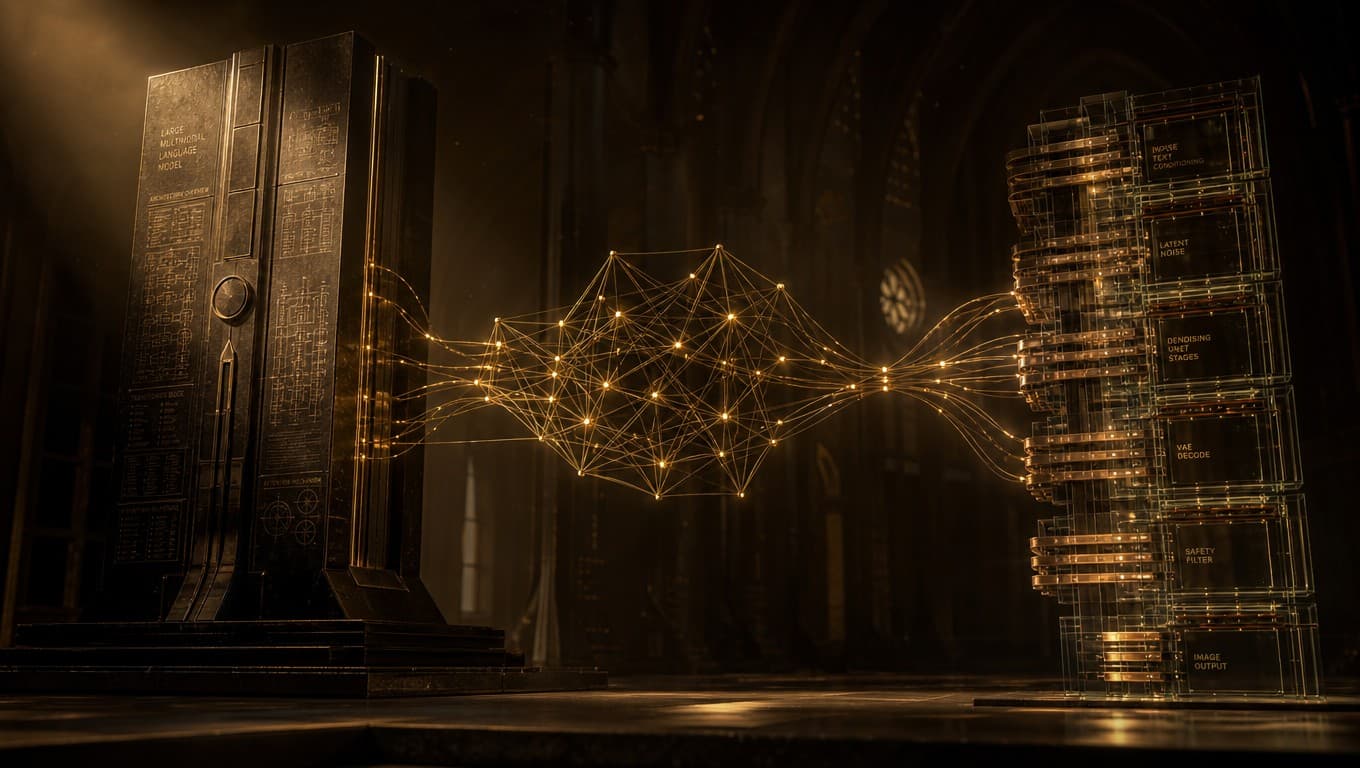
A modern AI coding agent can do almost everything a developer asks of it. It can write the HTML for a landing page, scaffold a React component, set up a database schema, run a build, debug a stack trace. The one thing it cannot do is generate the visual assets the code needs. Ask Claude Code to build a hero section and it will produce beautiful markup with a <img src="hero.jpg"> referencing a file that does not exist. The agent is one tool call away from being able to make that image. The tool just doesn't exist yet. This server is the tool — an MCP bridge between agentic coding clients and a local ComfyUI instance, so an agent that needs an image can request one and a real diffusion model on the same workstation produces it.
01 — The problem
Agentic coding tools have rapidly become how a meaningful fraction of software actually gets written. Claude Code, Cursor, Kilo Code, and the rest of the lineage all share the same core architecture: a language model with a pool of tools, operating against the user's filesystem and dev environment. The tools available to an agent today cover an extraordinary surface — file edits, shell execution, web fetches, language servers, browsers, debuggers — but they are systematically biased toward textual output. Image generation is the largest unfilled gap in the toolkit.
The practical consequence is small but constant. A landing page asks for a hero image, and the agent leaves a TODO. A documentation page asks for an explanatory diagram, and the agent describes one in prose instead. A product mockup asks for placeholder photography, and the agent reaches for a stock photo URL that may or may not exist. Each of these is a small workflow break — a moment where the agent has to defer to the human, who then has to leave the terminal, open another tool, generate something, save it, come back. Multiplied across a real project, the friction adds up.
There is no architectural reason for this gap to exist. ComfyUI runs locally on most machines that do AI development. It exposes an HTTP API. The agent has the language to describe the image it needs. The missing piece is the wire between them.
02 — Why MCP, and why local
Anthropic released the Model Context Protocol in late 2024 as an open standard for connecting AI assistants to external tools and data sources. By early 2026 it has been adopted by every major agentic coding client — not just Claude's own products but Cursor, Kilo Code, Cline, Roo Code, and the smaller experiments downstream of those. Building an integration once for MCP means it works across the whole ecosystem.
That ecosystem reach is the design constraint that makes MCP the right protocol for this work. A bespoke Cursor extension would help Cursor users; a bespoke Claude Code plugin would help Claude users; an MCP server helps everyone running an MCP-capable client, and the list of clients keeps growing. Building in lower layers tends to outlast building in upper ones.
The other deliberate constraint is locality. The server connects to ComfyUI at 127.0.0.1:8188 by default — a local instance running on the user's own workstation. There is no cloud round-trip. The image is generated on the same machine the agent is running on, with the user's own model checkpoints, against their own GPU. This matters for three reasons. It is fast — a hot ComfyUI instance can return a 1024² image in single-digit seconds, faster than any hosted API can reliably guarantee through network variance. It is private — prompts and outputs never leave the machine. And it is free at the margin — there is no per-image cost to the kind of high-volume iterative use that agentic workflows produce.
The default URL is configurable, of course. A studio running ComfyUI on a LAN GPU box can point the server there. A solo developer with a separate generation rig two machines away can do the same. The architecture supports remote ComfyUI without privileging it.
The agent's job is to do the work, not to leave a note saying the work is unfinished. A diffusion model on the same machine is enough to remove an entire class of unfinished notes.
03 — Designing a small tool surface
The server exposes seven tools. The choice to keep the count low is deliberate — agentic tool surfaces work better when narrow. A model staring at thirty similar-sounding tools spends too much of its decision budget on dispatch and not enough on the work. Seven is enough to cover the workflows that matter and not so many that the agent gets confused about which to call.
generate_image— single-prompt, single-image. Parameters: prompt, save path, width, height, seed, file format. Synchronous — returns when the image is on disk.batch_generate_images— up to one hundred image requests in a single call. Non-blocking; returns immediately with abatch_id.check_batch_status— poll a batch by id. Returns counts (completed, pending, failed) and the file paths of completed images as they land.list_generated_images— browse previously generated outputs from a directory.check_comfyui_status— confirm the ComfyUI instance is reachable before queuing work.convert_to_webp/batch_convert_to_webp— format conversion utilities for sites and apps that prefer WebP delivery.
What is conspicuously not exposed is the entire space of low-level ComfyUI configuration: model selection, sampler choice, CFG scale, scheduler, clip-skip, attention overrides, all the settings a power user might want. The server picks sensible defaults and stays out of the agent's way. A user who needs more control swaps the workflow JSON; the server picks up the new graph and the agent's interface stays the same. This separation — workflow as configuration, tools as a stable surface — is the design pattern that makes the project usable for both quick web-dev tasks and serious image work.
04 — Asynchronous batches by default
The non-blocking pattern in batch_generate_images is the single most important behavioral choice in the project. It exists because synchronous batch generation defeats the purpose of having an agent in the first place.
Imagine asking Claude Code to "generate five product images for an e-commerce store and then update the product page templates to reference them." A synchronous batch tool blocks the agent for the full duration of the five image generations — perhaps thirty to ninety seconds — during which the agent is doing nothing. The async pattern returns the batch ID immediately. The agent moves on, edits the product templates, queues the rest of the page work, and checks the batch status when it is ready to wire the images in. Total wall-clock time drops by the duration of the parallelizable work. This was not the original design. The first version was synchronous, on the assumption that batch generation was rare. It became clear within a week of using the server in real workflows that batch generation is the default mode, not the exception, and that blocking the agent for a minute at a time was unworkable. The async refactor was the second commit after public release.
The batch tracking is in-memory rather than persisted, since the server's lifecycle is tied to the agent's session. A batch survives across many tool calls within a session but does not need to survive a server restart. This is the right tradeoff for the workflow shape — agents that care about batches care about them in the next thirty seconds, not the next thirty hours.
05 — The use cases that actually showed up
The original motivation was VFX-adjacent — using ComfyUI inside an agent loop for the kind of dataset and asset work the rest of my pipeline produces. The actual usage that has emerged in the public users of the project is somewhere else entirely.
Web and product development is, by a comfortable margin, the largest pattern. Hero images for marketing pages. Product mockups for e-commerce. Visual placeholders during prototyping. Documentation imagery. Pitch deck illustrations. The Claude Code or Cursor user is overwhelmingly building a website, an app, a documentation site, or a pitch — and image generation is the asset gap in every one of those workflows.
Behind that is a smaller but persistent pattern of internal tooling work — engineers using the server to generate test data, illustrative figures for incident reports, mockup screenshots for product spec documents, visual references for design discussions. The unifying thread is that the agent is being asked to produce a finished artifact and an image is the missing piece.
What has not really shown up in public usage is the original VFX motivation. That is mildly embarrassing to admit but probably unsurprising. VFX work has higher trust requirements than current diffusion models can reliably meet, and a senior compositor is not going to entrust a hero plate to an agent loop. The web dev user, by contrast, is happy with "good enough" placeholder imagery that can be replaced later if needed. The match between agent-driven workflows and "good enough is fine" is tight, and the match between agent-driven workflows and "production-ready is the bar" is currently loose.
06 — Reflection
The bet on MCP being the right protocol has aged well. In late 2024 it was new and only Anthropic supported it; in early 2026 it is the de facto standard and every relevant client has adopted it. Building this server on top of MCP rather than as a Cursor extension or a Claude Code plugin meant that as each new agentic client launched, the server worked there on day one without any change. The lower-layer bet was the right call and would be the right call again.
The bigger lesson — visible across this project and the autonomous dataset agent — is that the most valuable AI infrastructure work right now is at the seams between systems. ComfyUI does image generation extraordinarily well. Claude Code does code generation extraordinarily well. Neither of them needs to do the other's job. What is missing is the connecting tissue, and that connecting tissue happens to be where most of the friction in real workflows lives. A small, focused tool — a few hundred lines of Python and a clear protocol on either side — can remove a frustration that is otherwise compounding many times a day across many users.
The next direction for this work is not more tools. It is supporting more sophisticated workflows on the agent side — image-to-image edits, region-based regeneration, ControlNet-driven layout, the parts of ComfyUI that go beyond text-to-image. The default workflow in the public release is text-to-image only. There is room for an opinionated set of workflows that map cleanly onto common agent intents, exposed through tools that are no harder to call than the existing ones. The constraint there is not technical. It is the design discipline of keeping the tool surface narrow as the underlying capability grows.
Next case study
LoRA & Diffusion Fine-tuning Workflows
Production patterns for adapting diffusion models to specific visual domains, color spaces, and pipeline requirements.